

don't miss out

sign-up for newsletter to stay in the loop

subscribe to our newsletter

Newsletter
download

How to Backup WordPress before updates

All-in-one solution for Backup, Restore and Migration.

How to Backup WordPress before updates

Overview

Activate Backuply Premium to secure your website with automatic pre-update backups every time WordPress core updates. Follow the steps below to get started.

backup WordPress before updates

We are assuming here that you are using Backuply Pro.
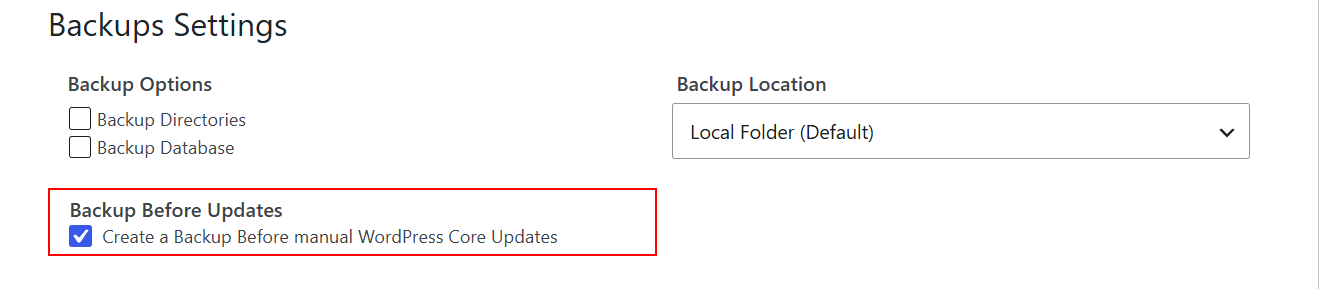
  • Go to your WordPress dashboard and click on Backuply > Settings Tab
  • In settings tab you will find Backup Settings, There, enable the Backup Before Updates checkbox.
Backuply: Backup Before Update
  • Now just Save the settings.

That's how you can enable Backup Before Updates in Backuply, if you face any issue, contact our support team.

    Was this page helpful?
    Newsletter Subscription
    Subscribing you to the mailing list