
Skip to content

Restore Only What Broke

Selective restore in Backuply recovers full accounts or individual components — home, databases, email, domains, SSL, cron, FTP — without rolling back everything.

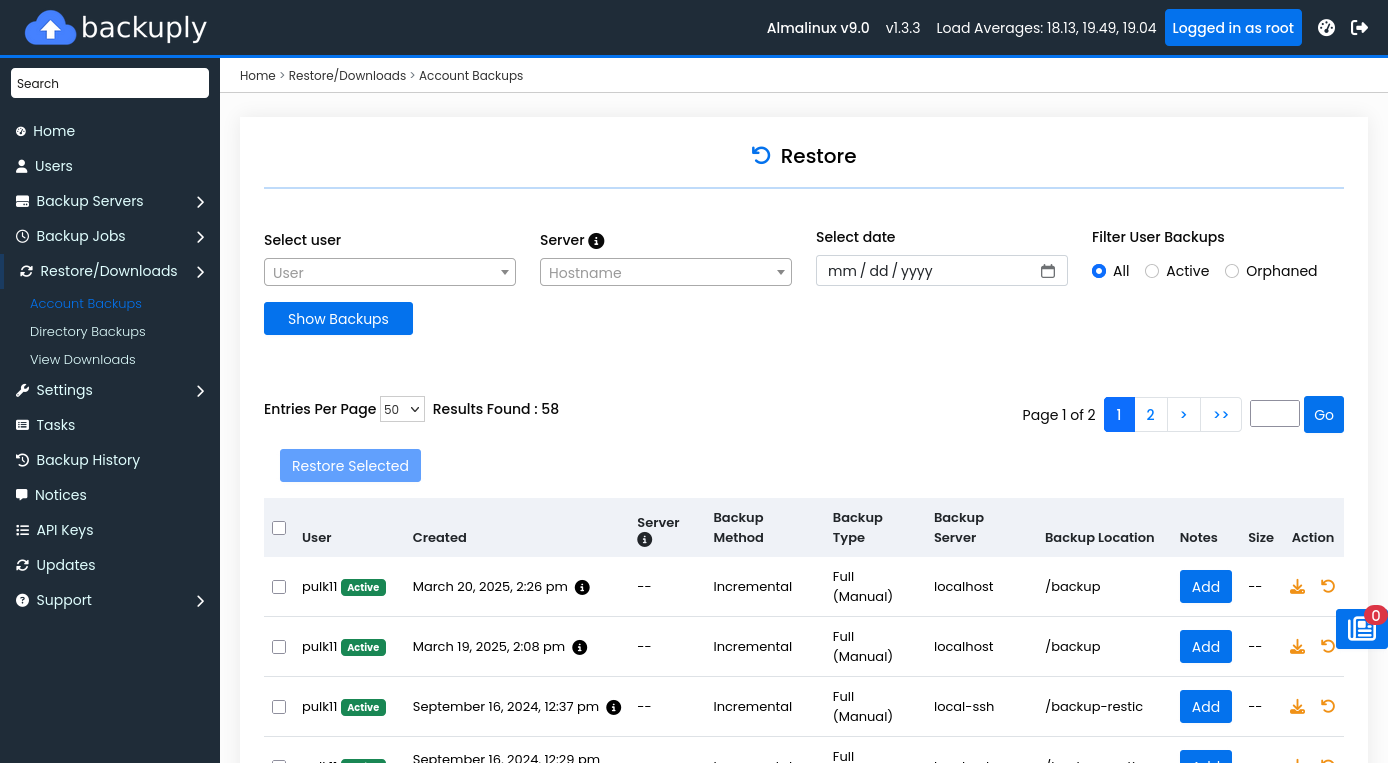
Backuply admin restore and downloads
Admin — restore and download backups
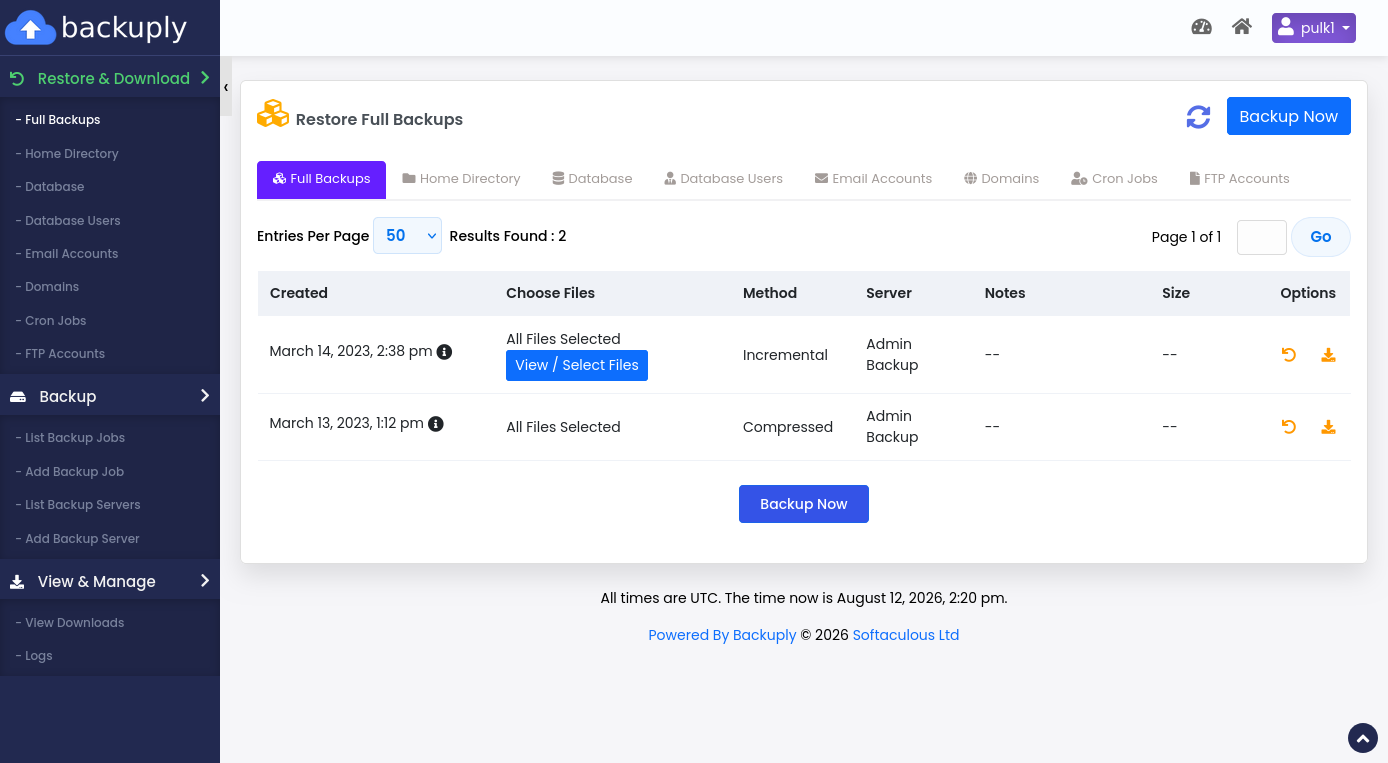
End-user full restore in Backuply
End user — full account restore

Component-level restores

When a customer deletes a mailbox or a plugin corrupts a database, you should not need a full account rollback.

  • Full account
  • Home directory
  • Databases & database users
  • Email accounts
  • Domains
  • Cron jobs
  • FTP accounts
  • SSL certificates

Directory browsing & downloads

Browse backup snapshots, download selected paths, and run selective directory restores for fine-grained recovery.

Self-service reduces tickets

Enable end-user restore so customers recover their own data from the panel, freeing support teams for real incidents.

Who this is for

Hosting providers, resellers, and multi-tenant server admins on Webuzo, cPanel, or DirectAdmin. Backuply for Servers is free with an active Softaculous license, or $5/month ($55/year) standalone with unlimited accounts. The WordPress plugin starts free on WordPress.org.

Quick facts

FAQ

Common questions

Can users restore without admin help?

If the administrator enables end-user restore, customers can restore from available backups through the end-user panel.

Start protecting servers in minutes

Backuply for Servers is free with Softaculous — or $5/month · $55/year standalone. Unlimited accounts per server.

Backuply product news, server backup tips, and release updates. Note: if a Backuply account does not exist, one may be created for the subscription.