
Reusable include / exclude rules
Build filters once, then attach them to any backup job. Stack multiple filters with AND/OR conditions for precise account sets.
Backuply account filters let hosting admins include or exclude specific users from backup jobs with reusable filters and AND/OR logic.
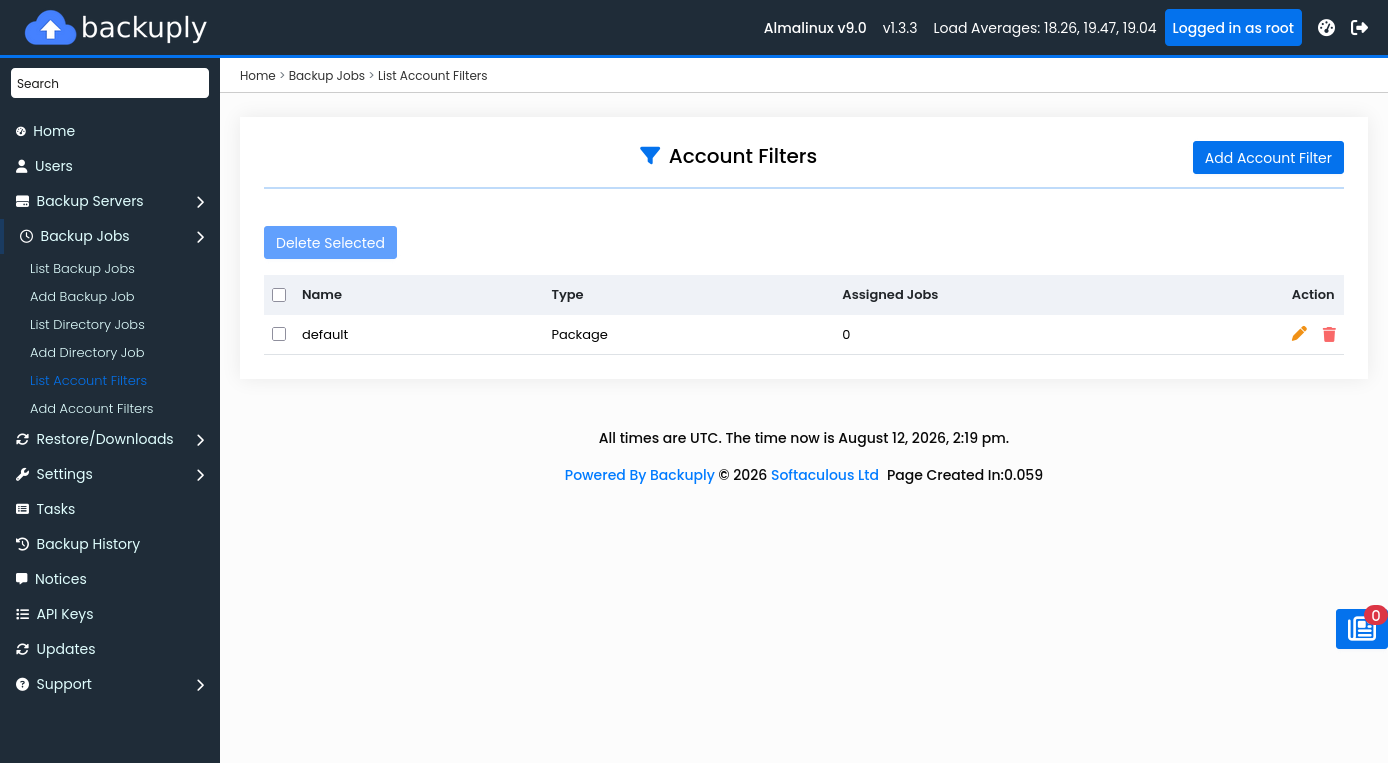
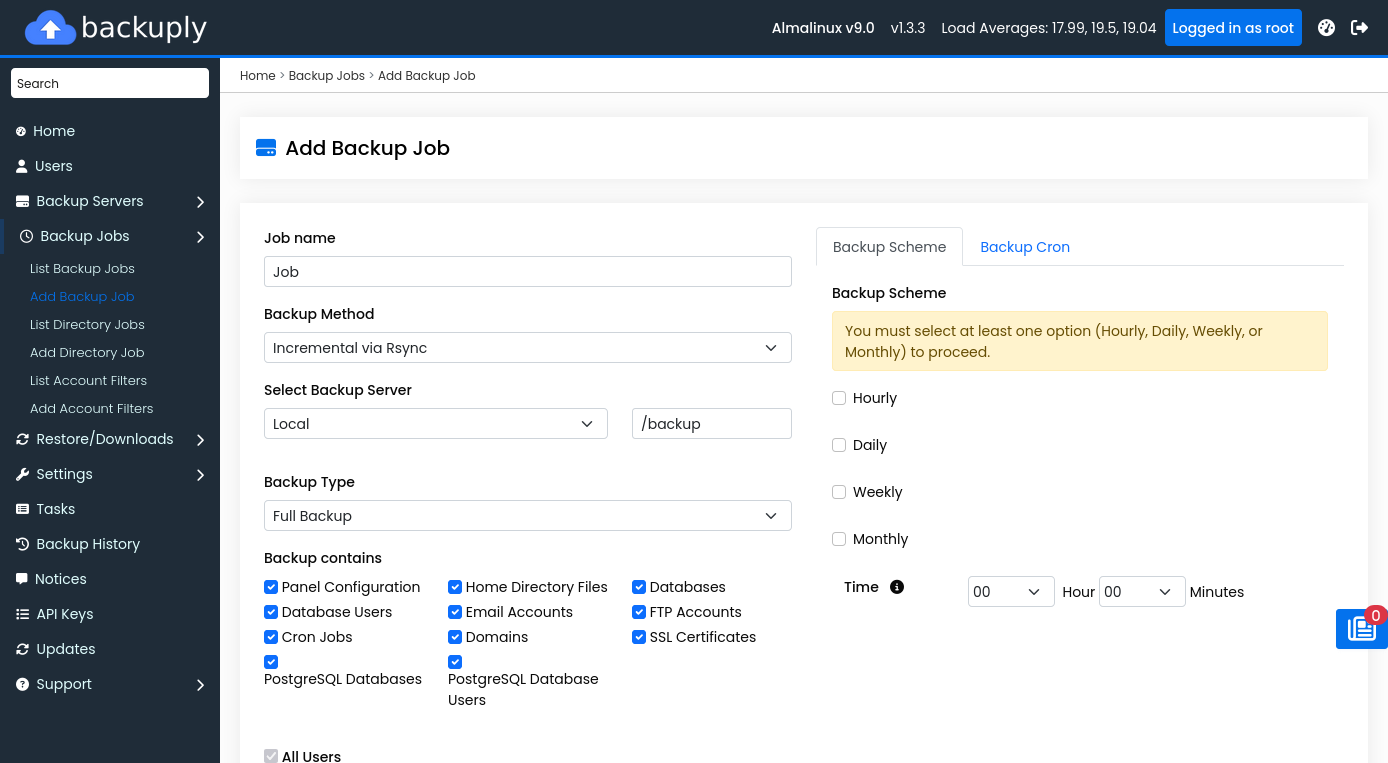
Build filters once, then attach them to any backup job. Stack multiple filters with AND/OR conditions for precise account sets.
Run aggressive schedules for high-value accounts, lighter jobs for free tiers, or exclude suspended accounts without maintaining static username lists inside every job.
Hosting providers, resellers, and multi-tenant server admins on Webuzo, cPanel, or DirectAdmin. Backuply for Servers is free with an active Softaculous license, or $5/month ($55/year) standalone with unlimited accounts. The WordPress plugin starts free on WordPress.org.
In the Backuply Admin Panel under Account Filters. After creating a filter, attach it when adding or editing a backup job.
Backuply for Servers is free with Softaculous — or $5/month · $55/year standalone. Unlimited accounts per server.