Skip to content

Backup Scheduling That Matches Real Workloads

Schedule Backuply server jobs hourly, daily, weekly, monthly, or with custom cron. Multi-scheduling and retention rotation keep protection automatic.

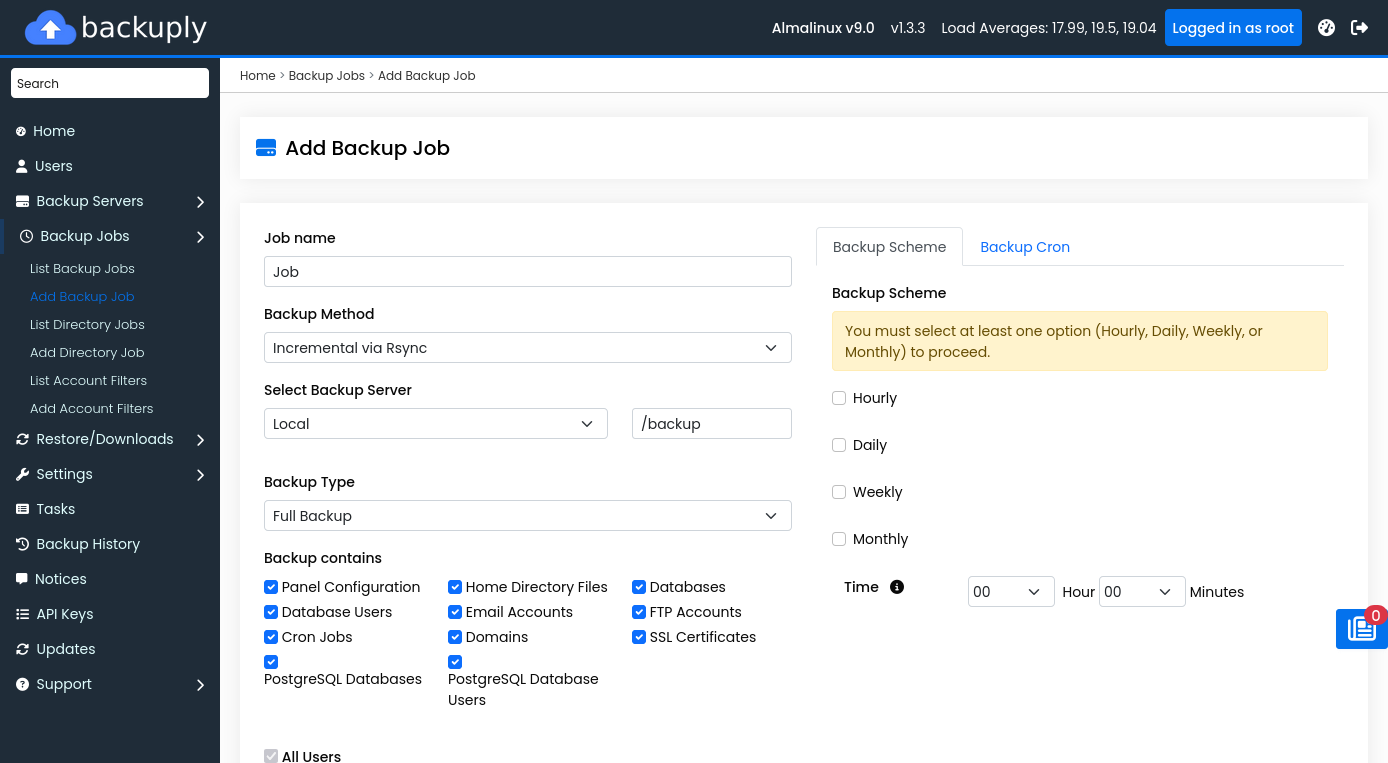
Schedule backup job in Backuply
Admin — multi-schedule job form
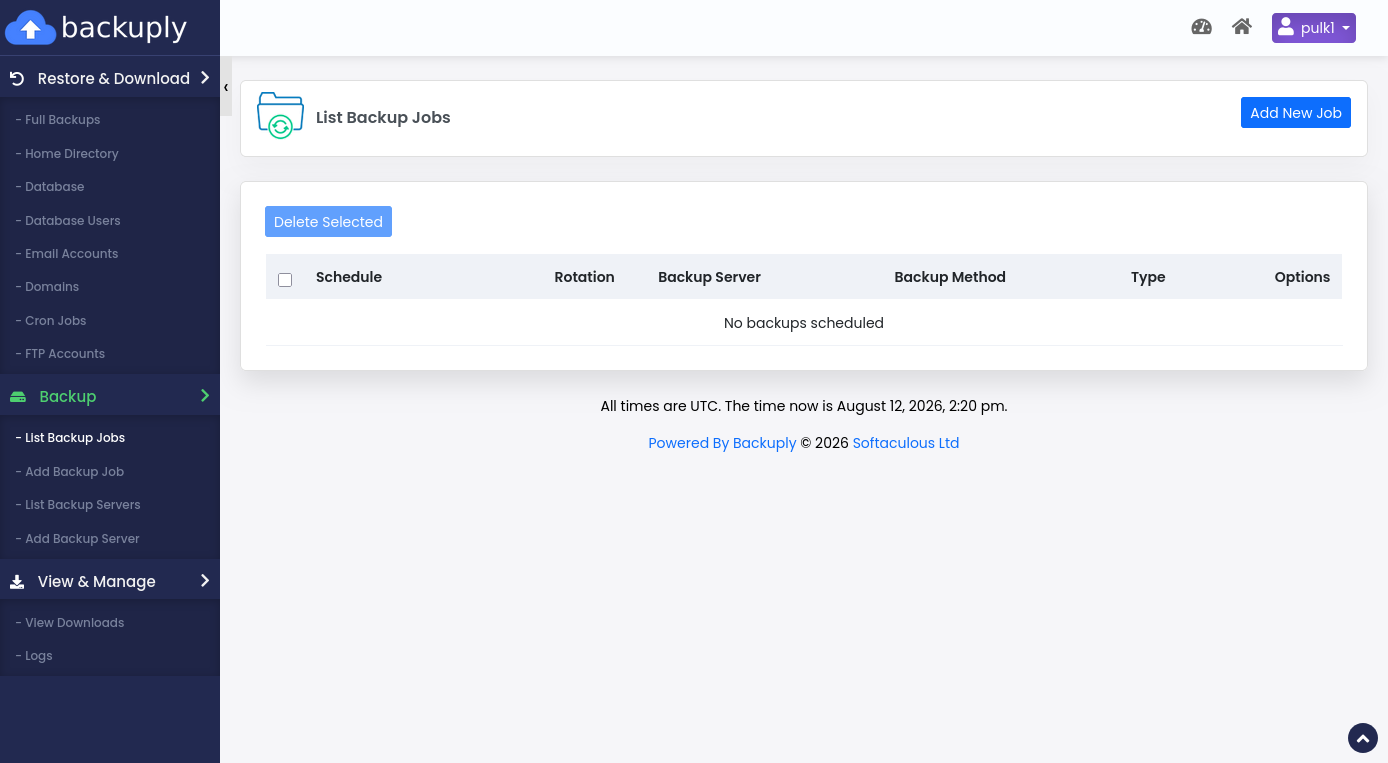
End-user backup schedules
End user — list of scheduled jobs

Multi-scheduling

Do not force every account into a single nightly window. Create jobs with different frequencies, destinations, and retention for VIP customers, large accounts, or mail-heavy servers.

  • Hourly / daily / weekly / monthly schemes
  • Custom cron expressions
  • Per-job retry and concurrency limits

Retention that stays under control

Configure rotation so successful backups prune older copies predictably — hourly, daily, weekly, and monthly limits keep storage budgets sane.

WordPress automatic backups

Backuply Pro for WordPress adds scheduled automatic backups with customizable intervals and rotation, including optional backup-before-core-update triggers.

Who this is for

Hosting providers, resellers, and multi-tenant server admins on Webuzo, cPanel, or DirectAdmin. Backuply for Servers is free with an active Softaculous license, or $5/month ($55/year) standalone with unlimited accounts. The WordPress plugin starts free on WordPress.org.

Quick facts

FAQ

Common questions

Can end users schedule their own backups?

Yes. Admins can enable end-user backup and restore so customers manage schedules within policy limits.

Start protecting servers in minutes

Backuply for Servers is free with Softaculous — or $5/month · $55/year standalone. Unlimited accounts per server.

Backuply product news, server backup tips, and release updates. Note: if a Backuply account does not exist, one may be created for the subscription.